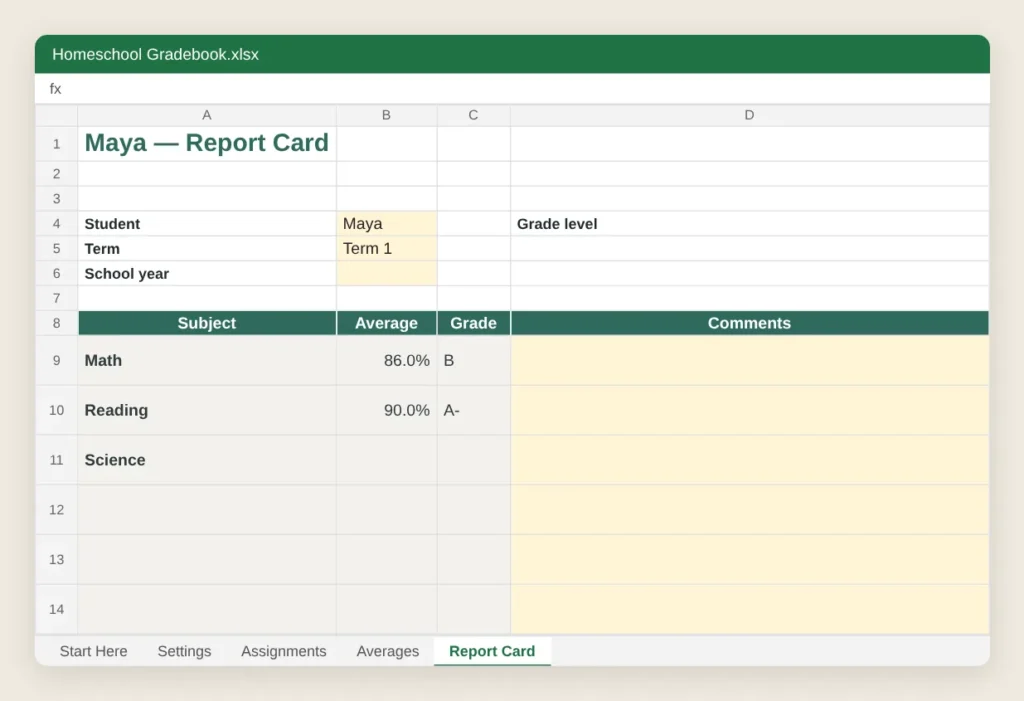
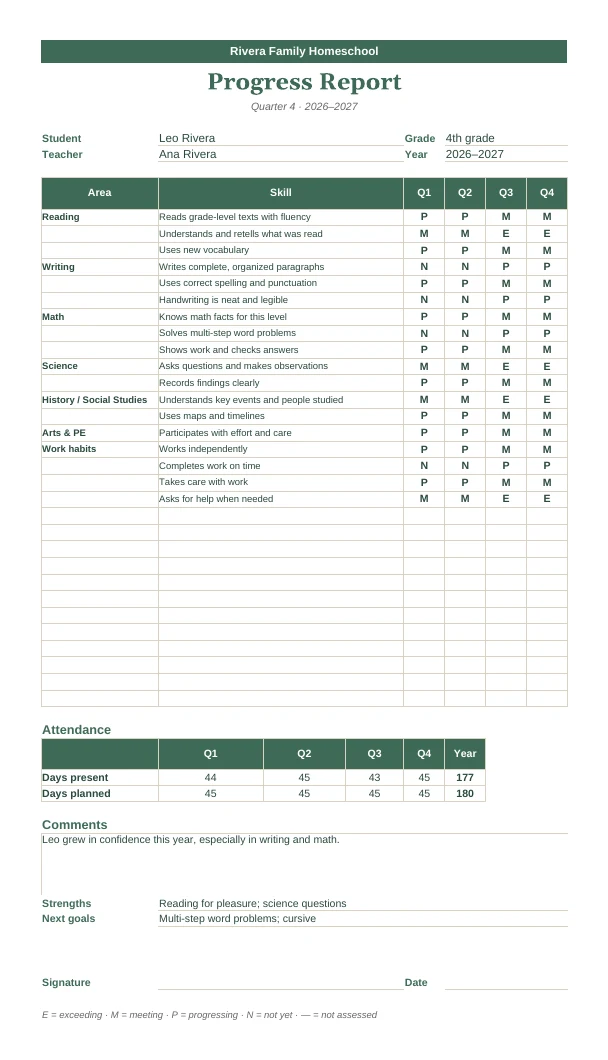
This homeschool report card template works out the report card for you. Type each term’s percentage once, and the spreadsheet turns it into letter grades, works out the final grade, adds attendance and your comments, and prints a finished one-page report card. Teaching younger kids? A skills-based progress report (E, M, P, N) is included too, along with 8 printable report card pages for families who’d rather fill them in by hand.
A record you complete for your own homeschool. Check your state’s rules if you need to report progress.
What’s inside

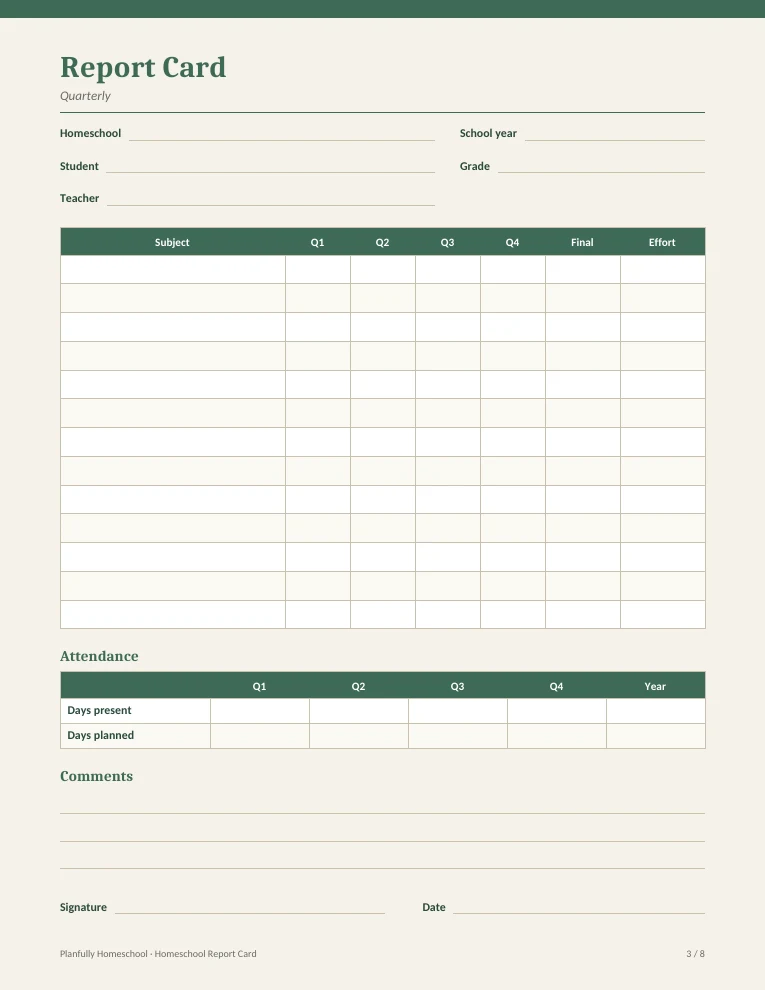
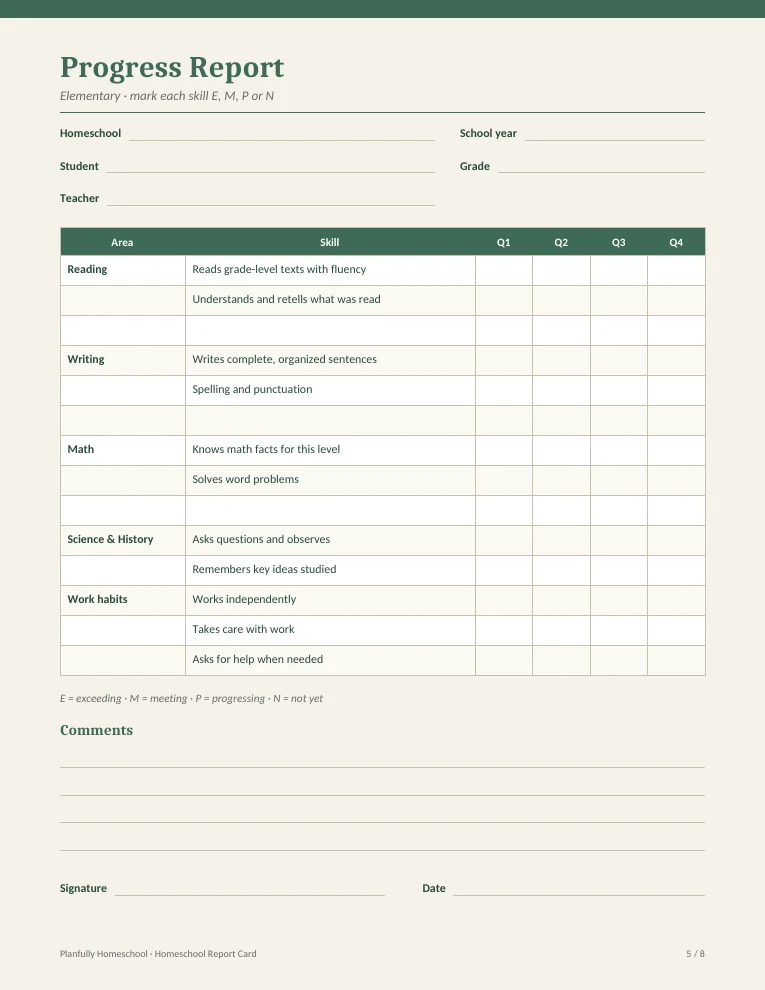
- Settings: homeschool name, student, grade, school year and teacher. Choose 4 quarters, 2 semesters or 3 trimesters, and labels and columns follow. The grading scale is editable.
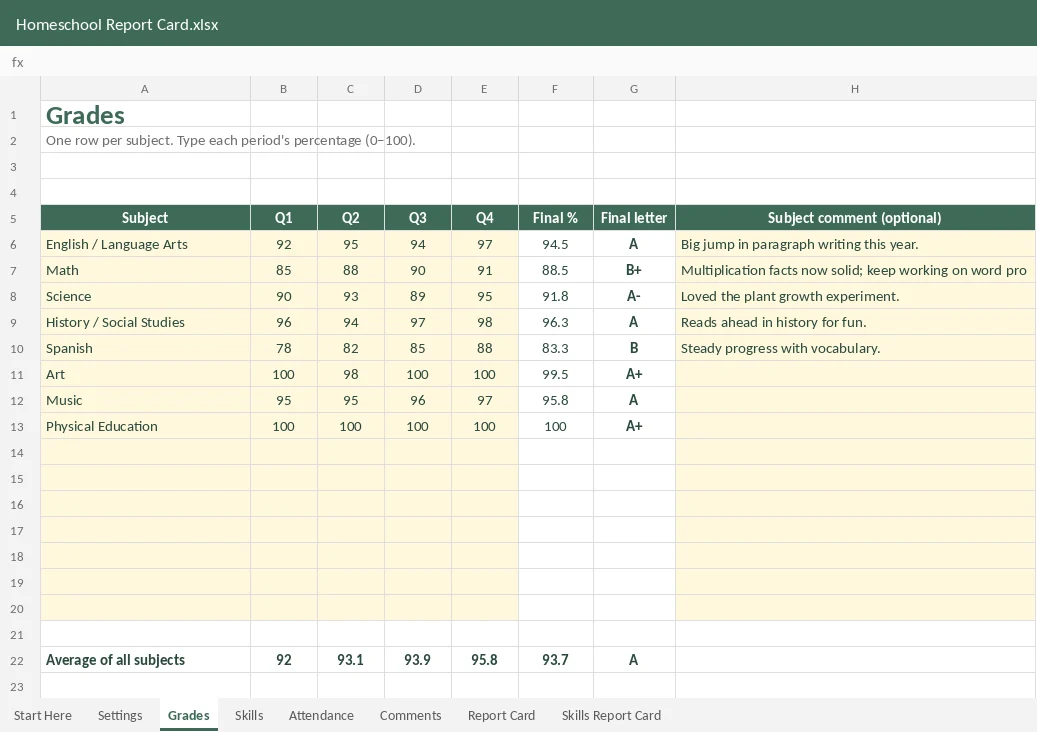
- Grades: up to 15 subjects. Percentages become letter grades, and you get a final percentage and letter for each subject plus an overall average.
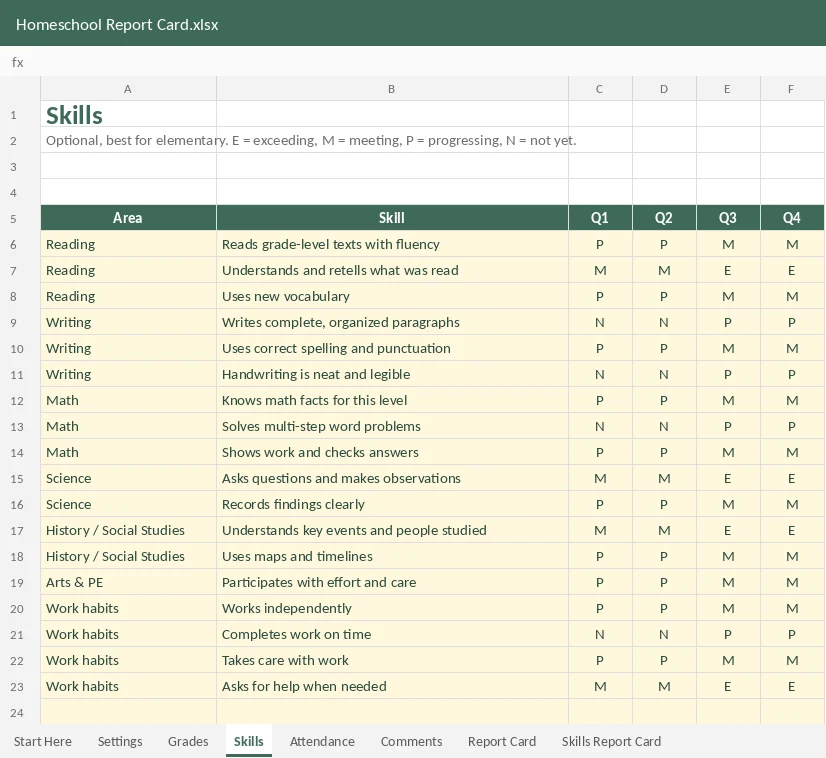
- Skills: 18 starter skills across reading, writing, math, science, history and work habits, marked E, M, P or N each period.
- Attendance: days planned and present for each period, with year totals.
- Comments: an overall comment, strengths and next goals for each period. The card shows the period you choose.
- Report Card and Skills Report Card: ready to print, one page each.
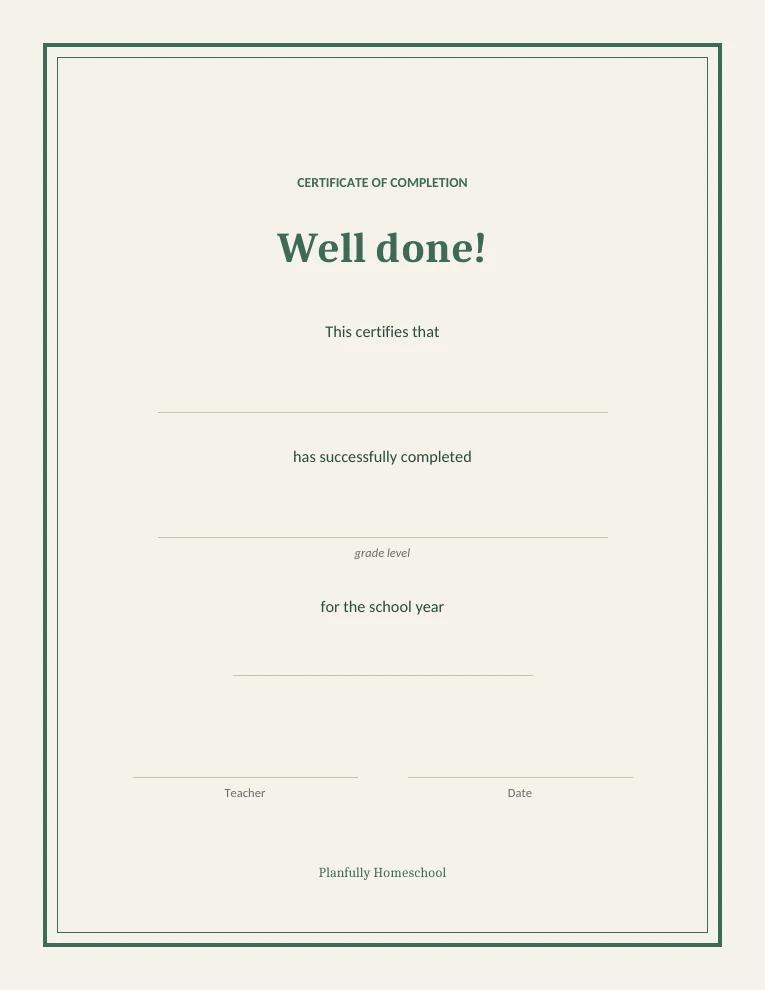
- Printable PDF (8 pages): quarterly card, semester card, elementary progress report, narrative progress report, year-end report card, certificate of completion, and a guide with the grading scale.
How to make a homeschool report card
- Decide your grading periods. Quarters suit most families. Semesters are simpler if you grade less often. Pick one on Settings.
- Choose how you’ll grade. Use percentages and letter grades for middle and high school. For younger children, many families prefer skill marks (E, M, P, N) or a short written report.
- Enter grades at the end of each period. Type each subject’s percentage on the Grades tab. If you keep a gradebook, copy over its term grade.
- Add attendance and a comment. Write the days present, plus one or two sentences on strengths and next goals. Keep it specific: “reads chapter books independently” says more than “good reader”.
- Print, sign and file it. Keep a copy with your homeschool records for the year.
What to include on a homeschool report card
- Homeschool name, student, grade level, school year and the grading period
- Subjects with a grade or mark for each period, and a final grade
- The grading scale you used, so anyone reading it knows what an A means
- Attendance (days present)
- Comments on progress, strengths and goals
- Your signature and the date
Who it’s for
- Families who want a formal report card for their records, for the child to keep, or for grandparents.
- Parents who need to show progress to a co-op, umbrella school or evaluator. Check what they ask for.
- Elementary families who’d rather mark skills than give letter grades.
Who it’s not for
- Weighted grading by assignment type. The Homeschool Gradebook works out each term’s grade first.
- High school transcripts with GPA and credits. Use the Transcript Template & High School Records Kit.
Formats & compatibility
- Spreadsheet (.xlsx), blank and with a worked example, for Excel 365, Excel 2019 and Google Sheets.
- Printable PDF, 8 pages, US Letter.
Questions
Do homeschoolers need report cards?
It depends on your state and on anyone you report to, such as an umbrella school or evaluator. Many families keep them anyway as a record of each year. This template doesn’t claim to meet any particular requirement.
Can I use semesters or trimesters instead of quarters?
Yes. Choose 2 semesters or 3 trimesters on Settings, and the column labels change on every tab and on the printed card.
Can I change the grading scale?
Yes. Edit the From % and Letter columns on Settings, for example to drop plus and minus grades, and every letter grade recalculates.
Can I give letter grades and skill marks together?
Yes. Fill in both tabs and print both cards. Some families use letters for math and language arts and skill marks for everything else.
Can I use it for more than one child?
Make a copy of the file for each child. Use it for your own family, year after year.
Does it work in Google Sheets?
Yes. Upload the .xlsx to Google Drive and open it with Google Sheets. Letter grades, averages and both report cards keep working.
Related
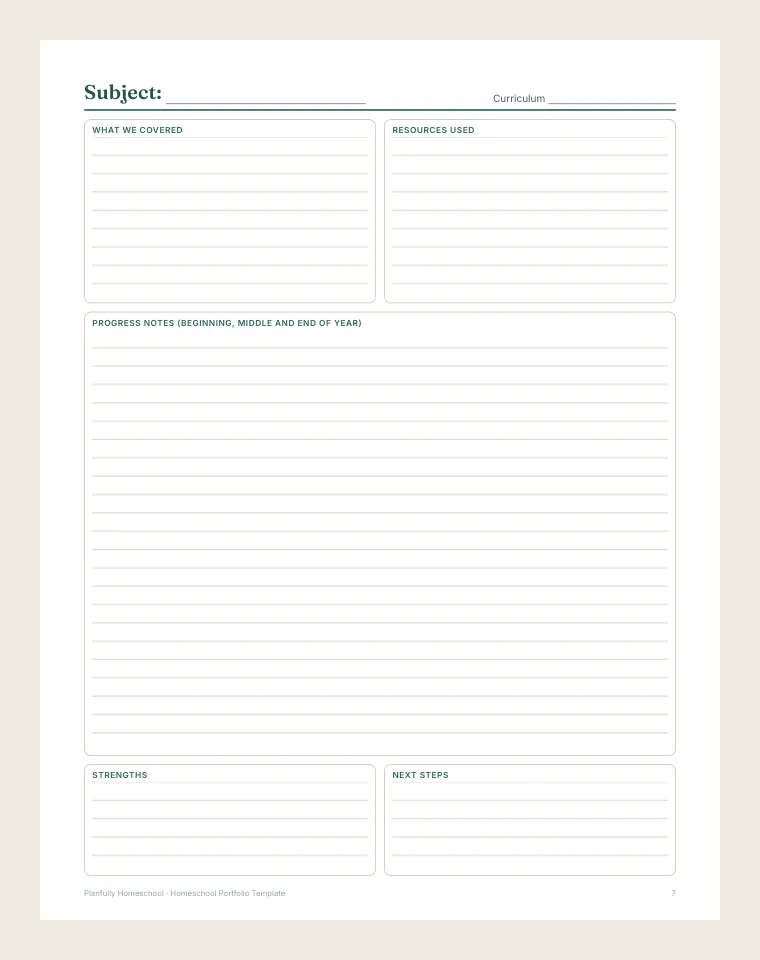
Need the term grades first? The Homeschool Gradebook weights tests, quizzes and homework for you. Tracking days and hours? Use the Attendance Tracker & Hours Log. Putting together the year’s records? The Homeschool Portfolio Template has room for report cards and work samples.
Related guides: How to make a homeschool report card