A homeschool loop schedule lists subjects in order and has you do the next one (or two) each day, instead of tying each subject to a weekday. Miss a day and nothing falls behind — you simply pick up where you left off. This planner makes loops easy to keep: a spreadsheet tracker that always shows what’s next, block schedule layouts for the fixed parts of your day, printable loop cards and a rotation tracker.
What’s inside
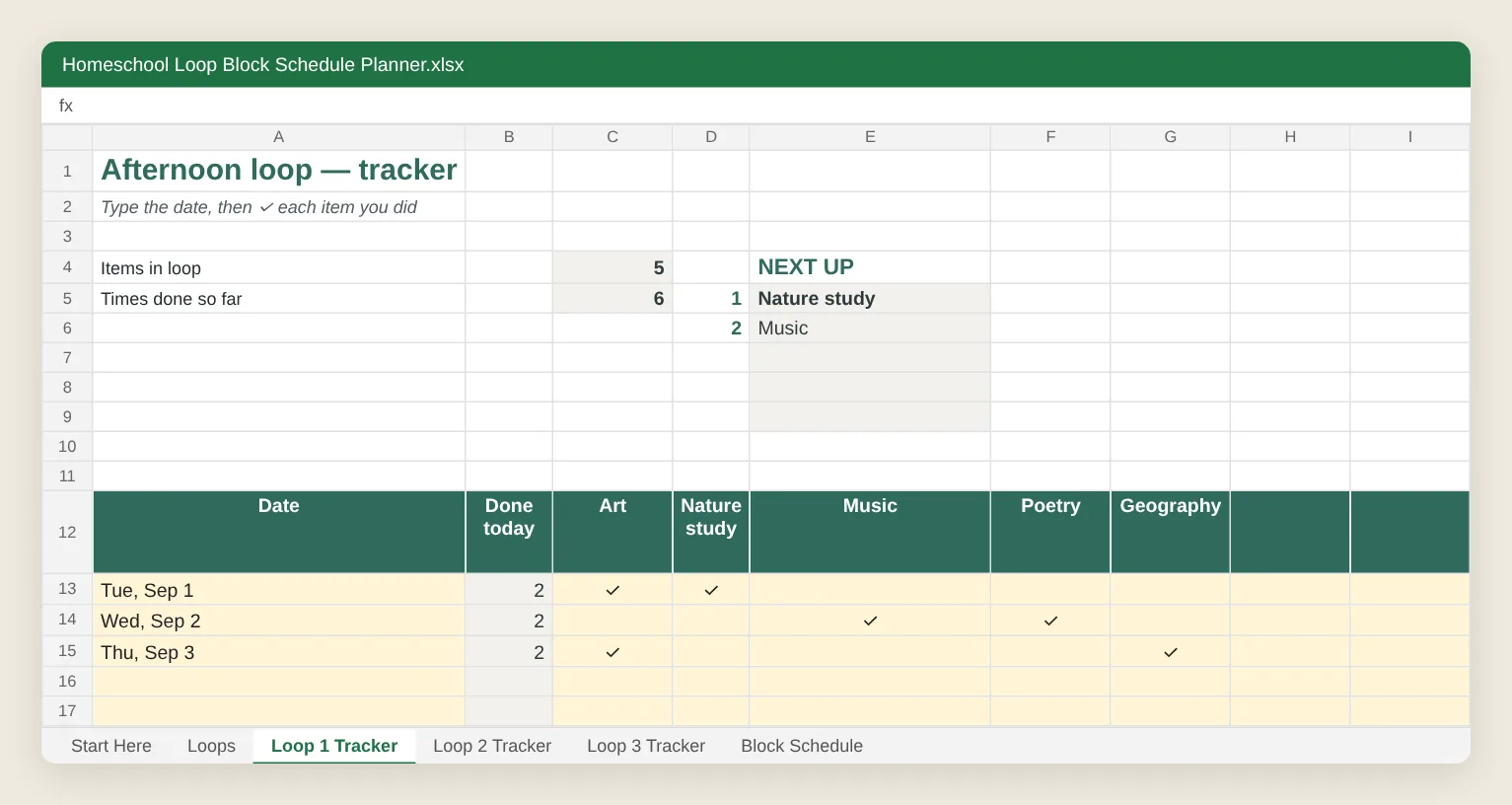

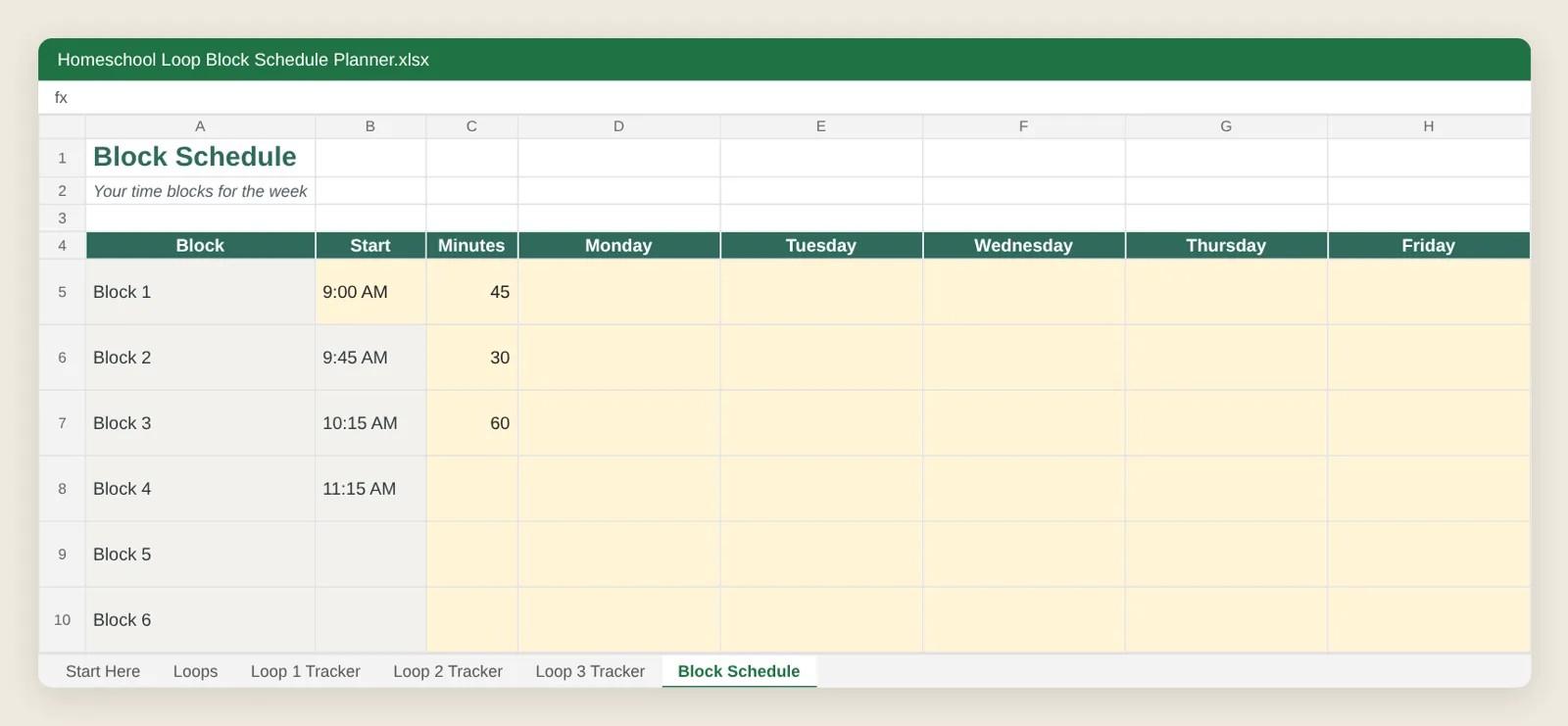
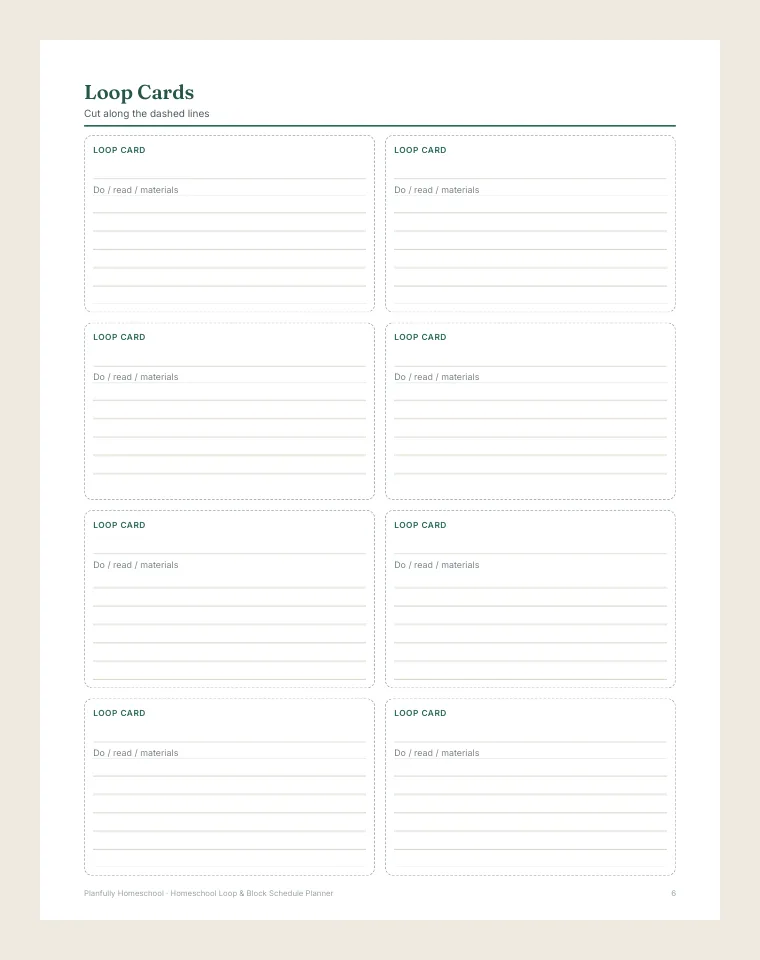
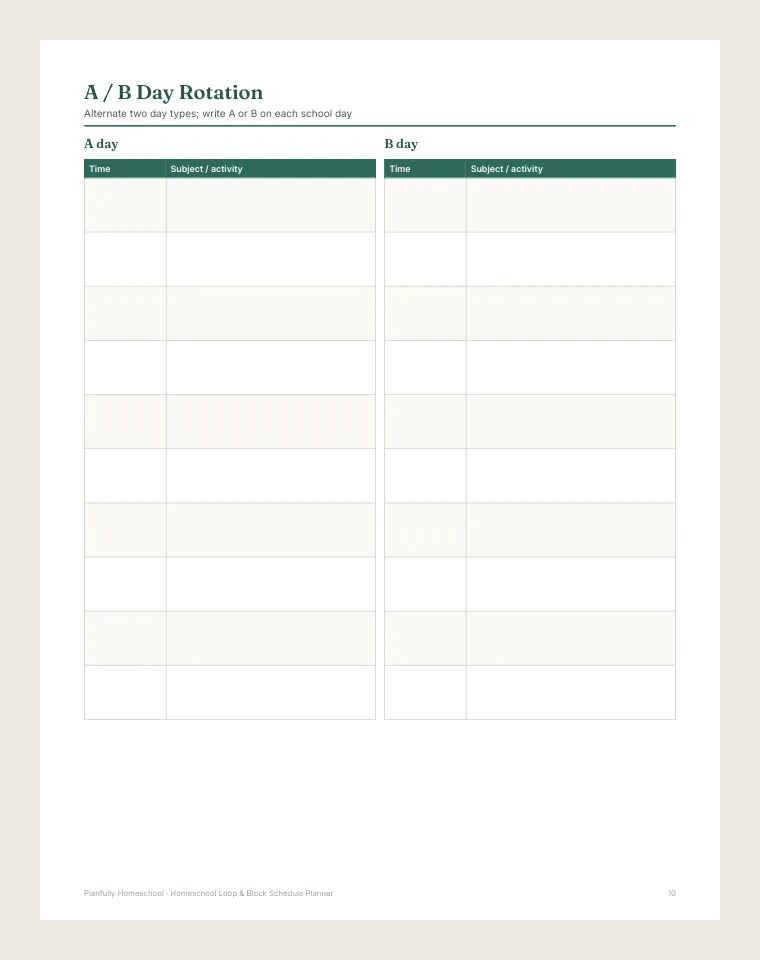
- Loops tab — up to three loops (for example an afternoon loop, a read-aloud loop and a weekly extras loop), each with up to 20 items and a number of slots per day.
- A tracker for each loop — type the date, tick what you did, and the Next up box shows the next items in the rotation.
- Rotation summary — how many times each item has come up and the last date you did it.
- Block Schedule tab — time blocks for the week; type a start time and block lengths, and later start times calculate themselves.
- Printable PDF with loop planning sheets, cut-out loop cards, three block schedule layouts (daily blocks, A/B day rotation, and morning blocks with an afternoon loop), a rotation tracker and a loop log.
How loop scheduling works
Say your afternoon loop is Art, Nature study, Music, Poetry and Geography, with two slots a day. Monday you do Art and Nature study. Tuesday the tracker shows Music and Poetry. Wednesday you’re at the dentist and do nothing — Thursday still shows Geography and then Art. Nothing was skipped and nothing piles up. The spreadsheet counts every tick you’ve made, works out where you are in the rotation, and shows the next items. If you do an item out of order, tick it anyway; the loop moves on by one.
Loops work best for subjects that don’t need daily practice: art, music, poetry, nature study, history readings, life skills, read-alouds. Keep core subjects like math and reading in fixed blocks, and use the block schedule to give your morning a shape.
For a fuller explanation with examples, read our guide: homeschool loop schedules explained.
Who it’s for
- Charlotte Mason, relaxed and eclectic homeschoolers.
- Families whose weeks vary — co-op days, therapies, travel, little ones.
- Anyone who keeps “never getting to” the fun subjects.
Who it’s not for
- If you need every lesson tied to a calendar date, use the Auto-Scheduling Lesson Planner.
- If you want a printed weekly planner to write in, see the Homeschool Weekly Planner.
Formats & compatibility
- Spreadsheet (.xlsx) plus a worked example; Excel 365, Excel 2019 and Google Sheets.
- Printable PDF, 13 pages, US Letter.
- Formulas only — no macros or scripts.
Questions
How many loops can I run?
Three in the spreadsheet, each with up to 20 items. The printable pages let you plan as many as you like.
Can an item appear twice in one loop?
Yes — just list it twice. Many families put math facts or poetry in twice so it comes up more often.
What if I want to skip an item?
Tick it as done. The rotation moves past it, and the summary shows it came up.
Does it work for one child or several?
Both. Loops are usually done together as a family, but you can set up a separate loop per child.
Related
Choosing what goes into your loops? The Homeschool Curriculum Planner maps every subject first. Keep core subjects on dates with the Auto-Scheduling Lesson Planner and loop the rest.
Add-on
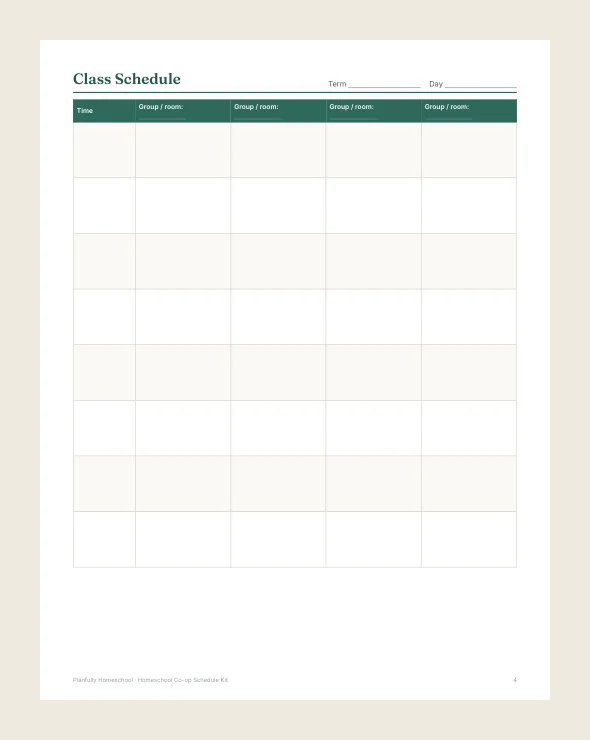
Run a co-op term: class schedule, teacher rota, family roster and sign-up sheets as a printable PDF, plus an editable spreadsheet that counts enrolment and spaces left.
Add to order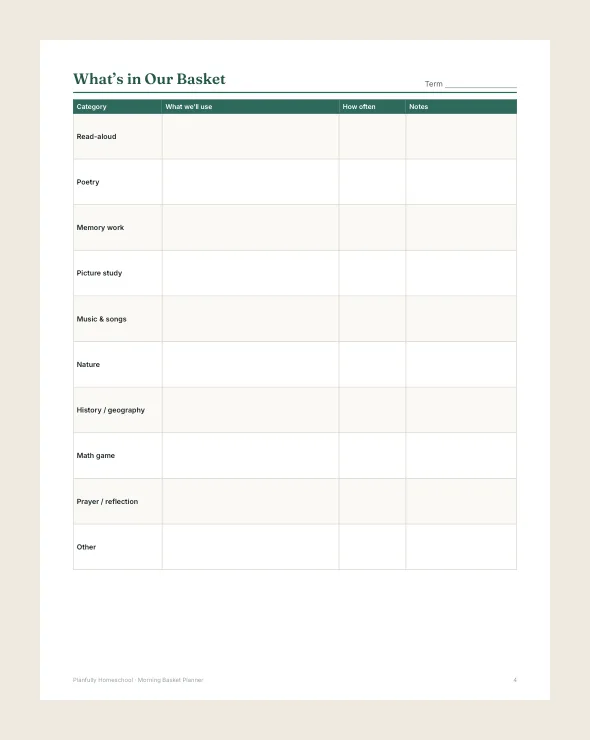
12 pages to plan family “together time”: what’s in the basket, weekly morning-time plans, memory work, read-alouds, poetry, picture study and songs. Undated PDF.
Add to order